
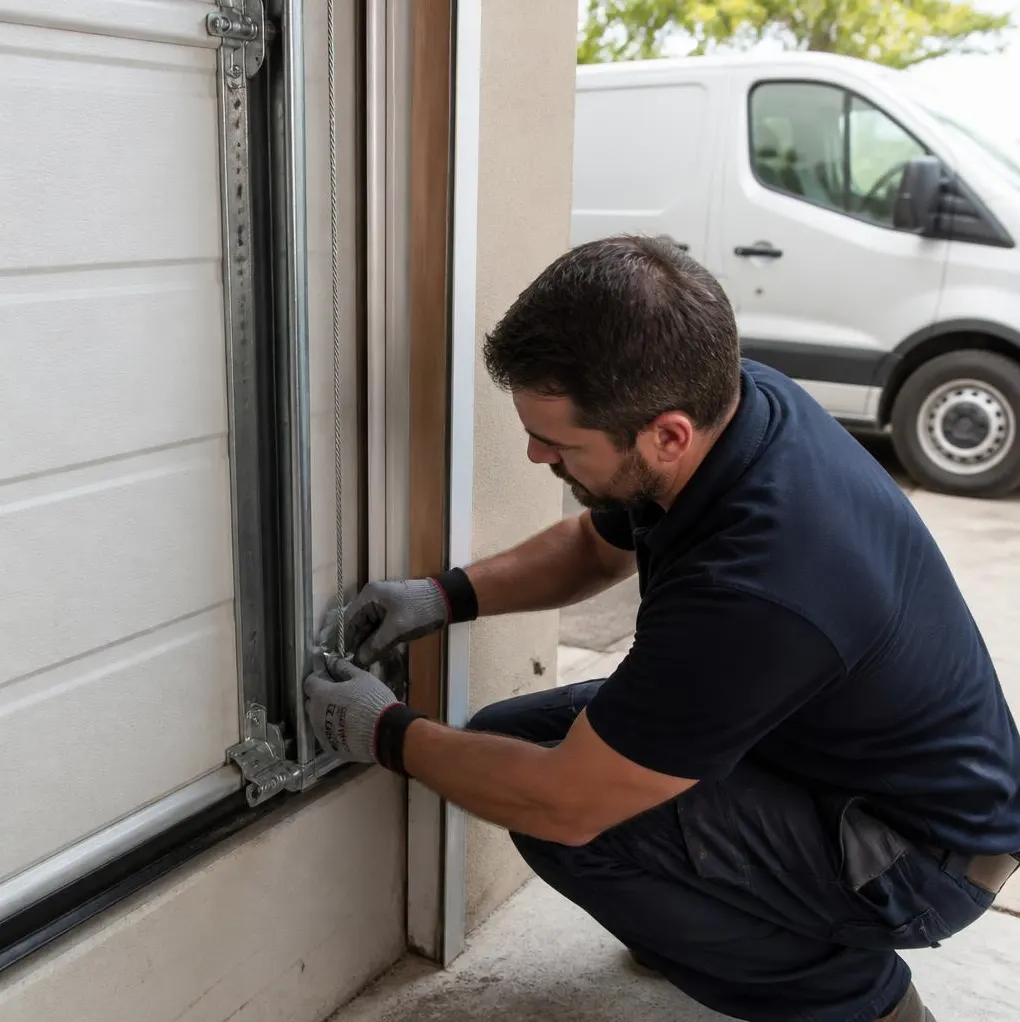
Rule of thumb: if a remote or keypad code goes missing, change the code and reprogram every remote the same day. The exceptions are an opener older than 15-20 years with no "learn" button, a keypad or wall console that's been physically tampered with, or a situation where you're not sure which opener model you have — in those cases, stop and call a technician before you start pressing buttons.
Tools You'll Need
- Your garage door opener's manual, or the model number printed on the motor unit (usually on a sticker on the side or bottom)
- A step stool, since most motor units and their "learn" buttons are mounted on the garage ceiling
- Fresh batteries for any remotes or keypads you're reprogramming
- A soft cloth to wipe dust off the keypad buttons before you start — dry-season dust and wildfire smoke residue build up fast on outdoor keypads here and can make buttons stick or misread presses
Step-by-Step: Reprogramming Remotes and Keypads
- Find the "learn" button on the motor unit. On most Chamberlain, LiftMaster, and Genie openers it's a small colored button (purple, orange, or green) near where the antenna wire hangs down.
- Press and release the learn button. An indicator light will blink for about 30 seconds — this is your window to pair a device.
- Press the remote button you want to use, or enter a new code on the keypad and press enter, within that 30-second window.
- Test it by pressing the remote button or entering the code from a few feet away. The door should respond immediately.
- Repeat for each remote you own, including car-mounted remotes and any extras kept in a desk drawer. Each one needs its own pairing cycle.
Most openers manufactured in the last 15 years use rolling-code technology, meaning the signal changes every time you press the button so old recordings can't be replayed. That's good security, but it also means a lost remote doesn't expire on its own — it still works until you tell the opener to forget it.
Changing the Keypad Code
- Locate the keypad's program button — it's typically a small switch under the battery cover or on the back of the unit, separate from the number pad itself.
- Press and hold the program button until the light blinks.
- Enter your new 4-digit (or custom-length) code and press enter.
- Test the new code at the keypad before walking away, and only after it works should you consider the old code dead.
If your keypad is mounted outside on a side entrance or detached garage, check the gasket or weatherstripping around it before winter rain arrives. Water intrusion behind the keypad can short the pad or cause phantom button presses, which looks like a security problem but is really a seal problem.
What to Do If a Remote Is Lost or Stolen
- Don't wait. A lost remote in a parking lot or stolen from a car is a known street address and garage door signal sitting in someone's pocket.
- Clear all codes from the opener's memory. On most units, holding the learn button for 6-10 seconds until the light turns off will erase every paired remote and keypad code at once.
- Reprogram only the remotes you still have, following the steps above. The lost one no longer works once the memory is cleared, even though you can't physically take it back.
- Change the keypad code at the same time, since a lost remote and a shared old code are often lost or used together.
- Check your opener's smartphone app, if you have one (common on newer LiftMaster and Chamberlain units) — some let you revoke a single remote without wiping every device, which saves you from reprogramming the whole household.
If the missing remote was also on a keychain with your house key or garage code written somewhere on it, treat it as a full-access loss, not just a garage door issue, and consider rekeying your front door too.
When It's a Job for a Technician
Reprogramming is homeowner territory on most modern openers. Call a technician instead when:
- The opener is old enough that it uses fixed dip-switch codes instead of a learn button — these are easier to intercept and usually mean it's time to discuss opener repair & installation rather than just reprogramming.
- The wall console or keypad has visible wire damage, corrosion, or looks tampered with.
- You've cleared the memory and the remotes still won't pair, which often points to a failing circuit board rather than a programming mistake.
- You're combining this with an earthquake retrofit or opener replacement and want everything — sensors, keypad, remotes — set up and tested together.
When to Call Rancho Santa Margarita Garage Door Specialists
If your opener predates rolling-code technology, your remotes won't hold a pairing, or you just want someone to confirm the system is fully secure after a lost remote, that's where we come in. We handle opener repair & installation for all major brands and can pair a full household's worth of remotes and keypads in one visit as part of routine garage door maintenance, checking weatherstripping and sensor alignment at the same time so you're not troubleshooting the same issue twice before winter rain sets in.
If you're searching for a garage door technician near Santa Margarita Pkwy or anywhere in the 92688 area, give Rancho Santa Margarita Garage Door Specialists a call — we'll get your codes changed, your remotes paired, and your door secured, the same day whenever possible.